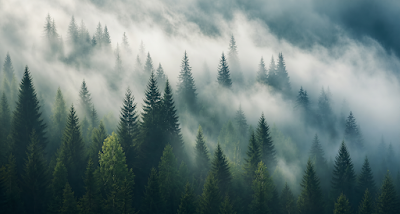
Browse our curated collection of desktop wallpapers, optimized for monitors and laptops. Every wallpaper in this section is in landscape orientation and available in resolutions ranging from Full HD (1920×1080) to 8K (7680×4320). Whether you have a standard 16:9 monitor, an ultrawide display, or a Retina screen, you will find wallpapers here that look pixel-perfect on your setup.
11 free wallpapers optimized for desktop
For the best results on desktop, match the wallpaper resolution to your monitor's native resolution. Common desktop resolutions include Full HD (1920×1080), 2K/QHD (2560×1440), 4K/UHD (3840×2160), and 5K (5120×2880). On Windows, right-click your desktop → Personalize → Background to set your wallpaper. On macOS, go to System Settings → Wallpaper.
To set a desktop wallpaper on Windows 11, right-click the downloaded image and select "Set as desktop background." For macOS, open the image in Preview, then go to Tools → Set Desktop Picture. For Linux desktops, the process varies by desktop environment - most allow right-clicking the image in a file manager.
Need more help? Visit our Tips & Guides for detailed tutorials on setting wallpapers across all devices and operating systems.